
How it works
From a price list photo to clients who book themselves.
Five steps. You do three; Oro handles the rest.
1
Send Oro a photo of your price list
Oro reads your services and prices, and makes your booking link. No forms.


2
Check your booking link, make it live
Your prices, open times, your work and your rules, all in one link, with your name on it.
Pick your look: it sets the font of your name and one accent colour.
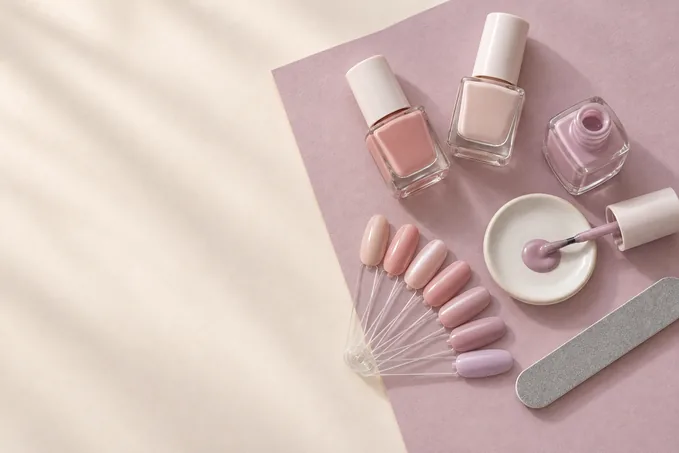

Elegant

Soft

Clean
3
Put it in your bio
On Facebook, Instagram and TikTok. Reply to “HM po?” with your link.

Nails by Mira
Nail artist · Quezon City
Gel, extensions and nail art. Studio or home service.
Book: ownworkai.com/nailsbymira
Book: ownworkai.com/nailsbymira
4
Clients book and send the DP
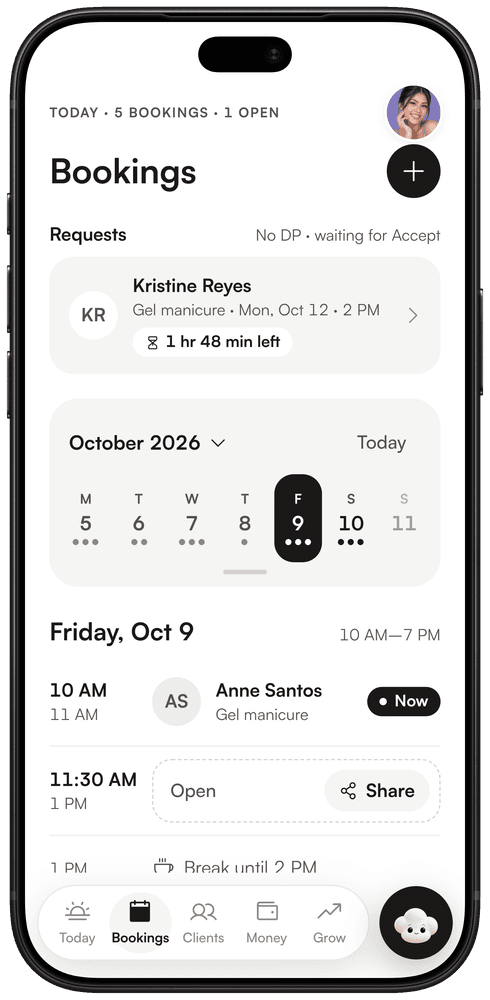
The DP goes to your own account. You check it and tap “DP received”. No DP? Clients send a request and you say yes.
5
Oro does the busywork
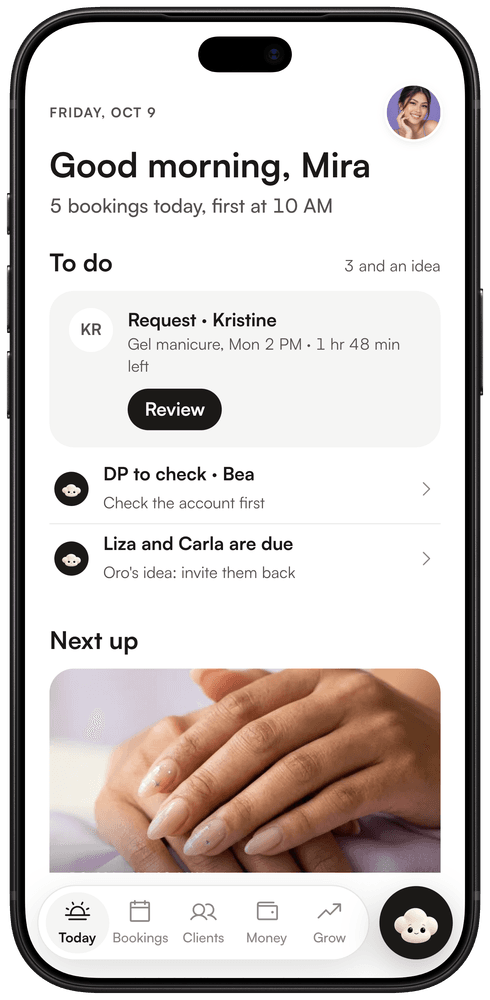
Oro lines up each DP for you to check and shows you who's due back. Your clients and your kita add up by themselves.
What your client sees
A clear ticket with the time, place and total. They can add it to their calendar and share their fresh set.

Own your work.
Apply for a founding spotFree. No card.